
How to Safely Check if Coins or Tokens Are Waiting in an Old Wallet
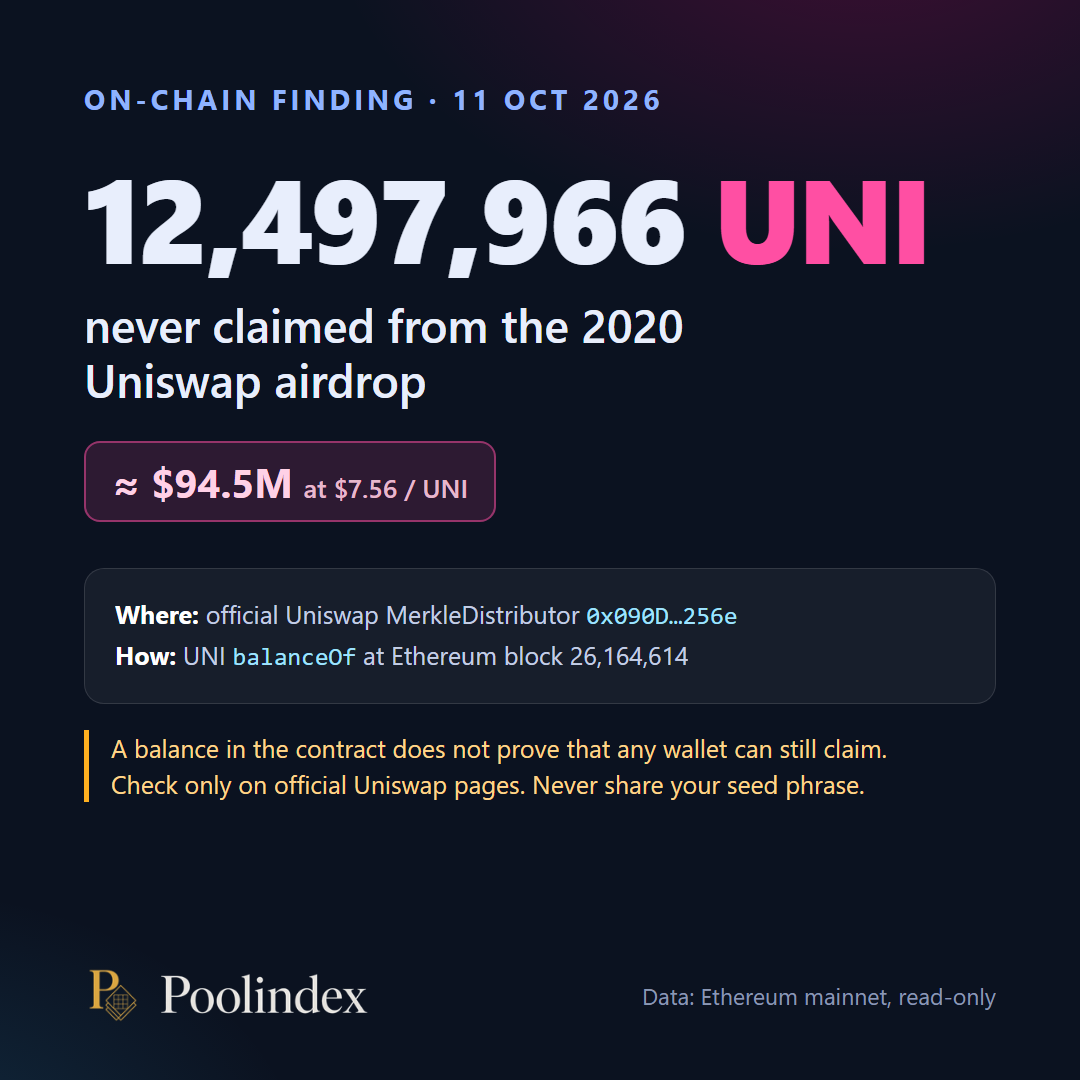
Maybe you set up a crypto wallet a few years ago, bought a little, tried an app, and then forgot about it. Since then, many crypto projects have handed out tokens to people who used them early. These handouts are often called "airdrops." Some of them land in a wallet automatically. Others wait until you go to the project's official site and collect them.
So it is reasonable to wonder: is anything sitting in my old wallet?
This guide explains, in plain language, how to check safely. You will learn what your "public address" is, where to find it, what you can share and what you must never share, and how to avoid the fake claim sites that target exactly this question.
First, a few words explained simply
Wallet. An app that holds your crypto. Popular examples are MetaMask, Trust Wallet and Coinbase Wallet.
Public address. Think of it like your bank account number for receiving money. People can send things to it, and anyone can look it up on public records, but it cannot be used to take anything out. On Ethereum and similar networks, it is a long string that starts with "0x", followed by a long string of letters and numbers (shortened example: 0xAbC1...9F2e).
Recovery phrase (also called seed phrase or recovery words). A list of words you were shown when you created the wallet. This is the master key. Anyone who has these words can take everything in the wallet.
Private key. Another form of the master key, usually a long string of letters and numbers. Same rule: whoever has it controls the wallet.
Network. Crypto lives on different networks, such as Ethereum, Base, Arbitrum or Polygon. Many of them use the same 0x address, so one public address can hold things on several networks.
Safe to share vs. never share
This is the most important part of the whole article.
Safe to share:
- Your public address (the one that starts with 0x).
Never share, with anyone, for any reason:
- Your recovery phrase, seed phrase or recovery words.
- Your private key.
- Your wallet password or PIN code.
No real support team, app or project will ever need these to "check," "verify," "unlock" or "release" anything. If someone asks for them, it is a scam. Close the page or end the chat.
One honest note about privacy: your public address is visible on public records, so anyone who has it can see the balance and history of that address. That is not a theft risk, but it is a privacy consideration. Share it only with tools and people you choose.
Where to find your public address
You only need to copy the address. You do not need to move funds or type in your recovery phrase anywhere.
MetaMask
- Open the MetaMask app or browser extension and unlock it.
- At the top you will see your account name.
- Tap or click the copy icon next to the account, or open the account details, and copy the Ethereum address that starts with 0x.
If you have several accounts in MetaMask, each one has its own address. Check each account you used.
Trust Wallet
- Open Trust Wallet.
- Tap "Receive."
- Choose Ethereum (ETH), or another coin on an Ethereum style network.
- Tap "Copy" to copy the address that starts with 0x.
Coinbase Wallet (now the Base app)
Coinbase Wallet, the separate app where you hold your own crypto, is now called the Base app. If you used the older Coinbase Wallet, you can switch back to that view by tapping your profile picture and turning off "Base mode." Then:
- Tap "Receive."
- Choose an Ethereum based asset.
- Copy the address that starts with 0x.
Tip: a newer Base mode wallet may have a different address from your older Coinbase Wallet address. Check the one you actually used back then.
Other wallets
Most wallets follow the same pattern: look for "Receive," choose Ethereum or an Ethereum based asset, and copy the address that starts with 0x. This includes wallets like Rabby, Phantom (which also has an Ethereum address) and hardware wallet apps such as Ledger Live.
A special note about exchange apps
Apps like Coinbase (the main exchange app), Binance and Revolut are exchanges. When you hold crypto there, the exchange usually holds it for you. The "deposit address" you see in those apps is often managed by the exchange and may be shared or changed over time.
This means:
- A deposit address from an exchange app may not belong to you in the same way a personal wallet address does.
- Results from checking an exchange deposit address may not apply to you.
- Whether you receive tokens linked to activity on an exchange is usually up to that exchange. Check its official help pages or contact its official support.
The checking described in this guide works best with addresses from wallets where you hold your own recovery phrase, like MetaMask, Trust Wallet or the Base app.
How to spot fake claim sites
People searching for "unclaimed tokens" are a favorite target for scammers. On October 1, 2026, the security company Malwarebytes reported finding 70 websites that copied real crypto projects and invited visitors to "vote" on a rewards date. The vote was fake. Clicking the button opened a wallet connection prompt, which the researchers described as the first step toward requests that could trick visitors into giving access to their tokens. (Malwarebytes report)
Warning signs to watch for:
- The web address is wrong. Fake sites can copy the logo, colors and menus perfectly. In the Malwarebytes case, the addresses were random strings ending in ".xyz." Always check the address bar, not the design.
- Pressure and deadlines. "Only a few hours left," "tokens will be burned," "bonus for early voters." Urgency is a classic scam tool.
- Requests for your recovery phrase, private key or PIN. Always a scam. No exceptions.
- Requests to approve something you do not understand. If your wallet pops up a request that mentions approvals, permits or transfers and you did not expect it, reject it.
- Links from DMs, replies or ads. Go to a project's official site yourself, by typing the address or using a saved bookmark.
If you already connected to a suspicious site, disconnect. If you also approved something, use your wallet's approval settings or a trusted approval checker to review and remove it. If you think your recovery phrase was exposed, move what is left to a new wallet with a new recovery phrase as soon as possible.
How to check your old wallet safely, step by step
- Find your public address using the steps above. Copy it.
- Use a tool that only needs your public address. A checking tool should never ask for your recovery phrase, private key or PIN.
- Read the results calmly. A result tells you something may be there. It is not a reason to rush.
- Go to the official source yourself before taking any action. Confirm the project's real website and official announcements.
- Act only when you understand what you are doing. If something feels off, stop. Ask someone you trust.
One option: PoolIndex
PoolIndex is an app for Windows (Microsoft Store) and Android (Google Play) that does this checking for you. You type or paste your public 0x address, start a scan, and PoolIndex looks through public sources for coins, tokens and airdrops that may be connected to that address.
What you can expect:
- You only enter your public address.
- PoolIndex never asks for your recovery phrase, private key or PIN code.
- Each result shows the network and how it was checked, and airdrop results link to their official source.
- It runs on Windows (Microsoft Store) and Android (Google Play). Get it only from the Microsoft Store, the official site, poolindex.app, or from Google Play.
PoolIndex shows you what it found. Whether and how you act on a result is always your decision, and you should confirm it on the project's official site first.
Check your old wallet: get PoolIndex from the Microsoft Store for Windows, or get it on Google Play.
Frequently asked questions
Is it safe to share my public address?
Yes, in the sense that nobody can take anything from your wallet using only the public address. It does let people see that address's balance and history on public records, so share it only with tools and people you choose.
Can someone steal my crypto if they know my public address?
Not with the address alone. Theft usually happens when someone gets your recovery phrase or private key, or when you approve a harmful request in your wallet. Never share those words or keys, and never approve requests you do not understand.
I only used Coinbase, Binance or Revolut. Can I check that?
Those are exchange apps, and their deposit addresses are often managed by the exchange. Results for those addresses may not apply to you. For activity on an exchange, check that exchange's official help pages.
Which devices does PoolIndex work on?
PoolIndex works on Windows and Android (Google Play).
What should I do if a result shows something?
Do not rush. Open the official source for that result, confirm you are on the project's real website, and read its instructions carefully. Never enter your recovery phrase or private key on any site.