

Wallet scanner for any public 0x address
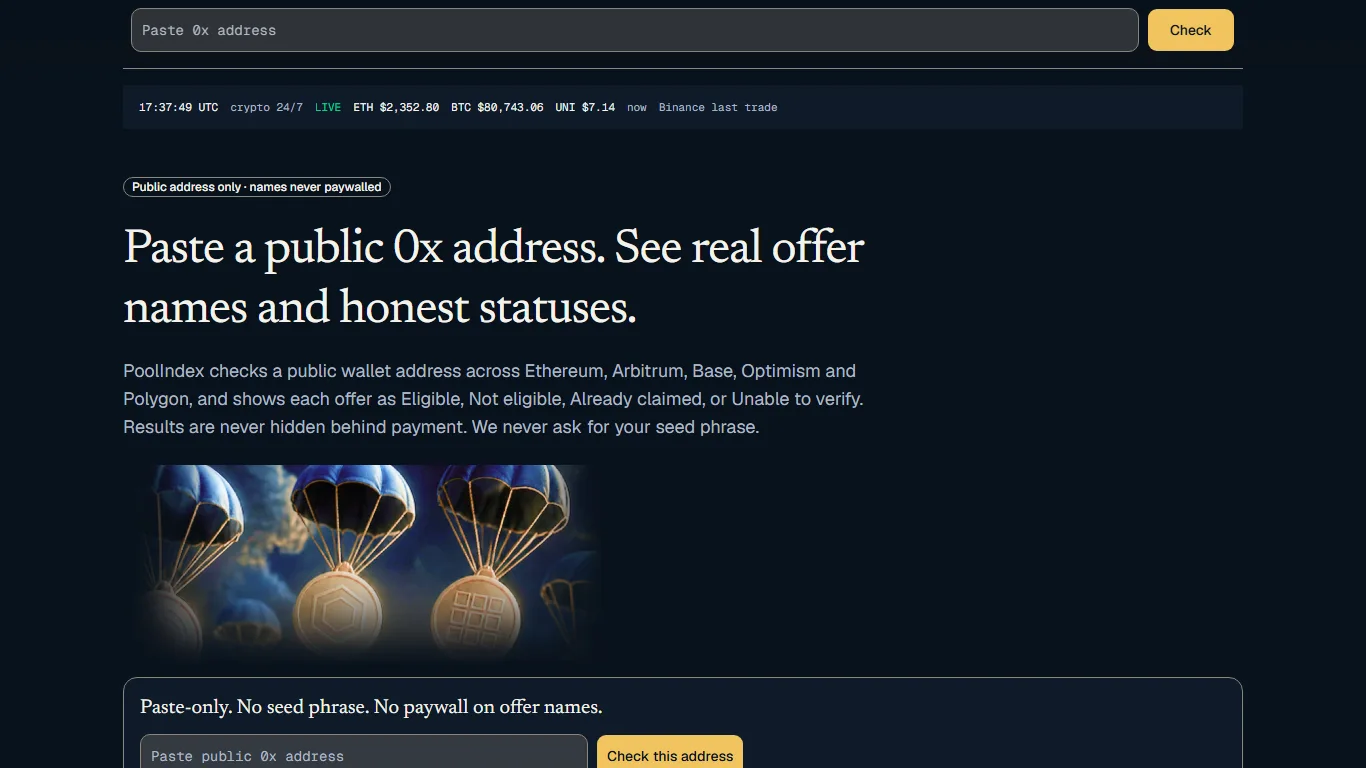
A wallet scanner reads what is recorded on the blockchain for one address and turns it into a list you can act on. PoolIndex is a wallet scanner for Windows and Android. You give it a public 0x address, it scans public networks, official airdrop lists and DeFi apps, and it shows each result with the place it came from.
The scan is read-only and needs only the public address. PoolIndex never asks for your seed phrase or private key, and you can check a public address without connecting a wallet.

What a wallet scan covers
One public 0x address is checked on Ethereum, Arbitrum One, Optimism, Base and Polygon, plus specific programs on Sonic and Fantom Opera.
A single scan runs through several kinds of sources for the same address, so you don't have to open five block explorers and a dozen apps one by one.
- Balances: native ETH on Ethereum, Arbitrum One, Optimism and Base, and POL on Polygon.
- Tokens: stablecoins such as USDC, USDT and DAI, plus WETH and common tokens like UNI, LINK, ENS, AAVE, LDO and ARB.
- DeFi positions: deposits in Aave and Compound, Yearn vault shares, Curve and Convex rewards, Uniswap liquidity positions and Lido withdrawals.
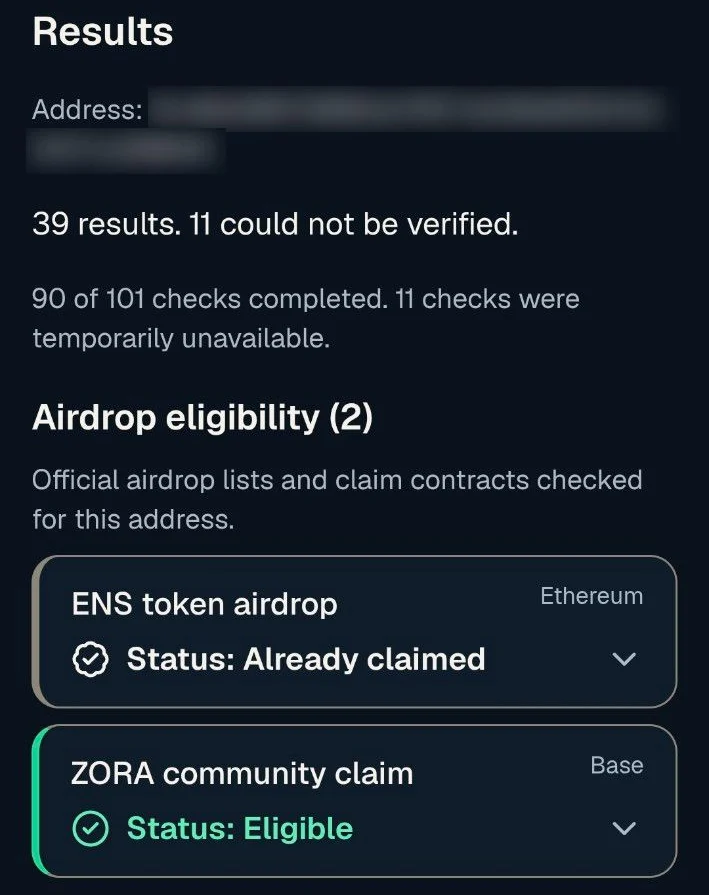
- Airdrops: the address is looked up in the official lists and claim contracts for Uniswap, ENS, CoW Protocol, dYdX, Safe, Arbitrum and ZORA.
Why one scan finds more than a wallet app
Wallet apps are built to send and receive. They usually show one network at a time and only the tokens on their own list. A deposit in a lending app, a liquidity position or a reward that was never collected is held by a contract, not by the wallet itself, so it often doesn't appear there at all.
Block explorers show everything, but as raw data: transfers, contract calls and token balances, one network per site. Reading that for an address you used years ago takes time, and it still won't tell you whether the address was on an airdrop list.
A wallet scanner sits between the two. It knows which contracts and lists to ask about, asks them about your address, and puts the answers in one place.
How to read a scan result
Every result shows the network and how it was checked. Airdrop results link to their official source, and closed programs are marked as closed with their date, so an old allocation that was moved back to a treasury is not shown as coins waiting for you.
Sources fail sometimes: a network can be slow or a service can be down. PoolIndex lists a failed source as failed instead of counting it as an empty result. If a source failed, that part of the address simply wasn't checked.
An empty scan is a normal outcome. It means none of the checked sources showed anything for that address at the time of the scan.
Scan safely
A real wallet scanner needs nothing secret. Be careful with any site or app that calls itself a scanner but asks for more than the public address.
- Never type a seed phrase or private key into a scanner, a support chat or a form. Nobody needs them to read a public address.
- Don't approve wallet requests on a site you opened only to check an address. Reading public data needs no approval.
- If a scan points you to a claim, open the project's official site yourself before you do anything. Any claim is made by you, in your own wallet.
How it works
Install PoolIndex.
Get PoolIndex for Windows from the Microsoft Store, or the Android app from Google Play.
Register and verify your email.
The free plan lets you check 1 wallet and 5 links a month.
Paste the address you want to scan.
Any public 0x address works: your current wallet, an old one, or an address from a note. The same address is scanned on every supported network.
Read the results and their sources.
Each result shows the network and how it was checked. Airdrop results link to their official source, and failed sources are listed.
PoolIndex never asks for your seed phrase or private key. You can check a public address without connecting a wallet.
Frequently asked questions
- What is a wallet scanner?
- A tool that reads public blockchain data for one address and lists what it found, such as balances, tokens, DeFi positions and airdrop allocations. PoolIndex does this for public 0x addresses on Windows and Android.
- Do I need to connect a wallet?
- No. PoolIndex checks using your public wallet address only, the same address anyone can already see on the blockchain. It never asks for your seed phrase or private key.
- Is the wallet scanner free?
- Yes. After you register, the free plan includes 1 public wallet and 5 link checks a month, on Windows and Android.
- Does scanning an address change anything on the blockchain?
- No. A scan only reads public data. It doesn't send a transaction, doesn't cost a network fee and doesn't move any coins.
- Can I scan an exchange deposit address?
- You can, but the results may not apply to you. Exchange deposit addresses are usually managed by the exchange, so check the exchange's official help pages for anything related to your account.
- Can I scan a Solana or Bitcoin address?
- Solana: yes, in the PoolIndex apps for Windows, Android and iPhone. Bitcoin: no.
Guides on the PoolIndex blog
Check your wallet with PoolIndex
Free after you register: check 1 wallet and 5 links a month. Windows and Android.
Research results, not a promise of funds. Always confirm a result on the project's official site.